
1
Open the application
From Manage All Applications, click the row you want.
2
Open the ⋮ menu
Click the kebab (three dots) in the top-right of the review view.
3
Choose Export as PDF
Carousel generates a summary of the application and its verified steps, and downloads it.
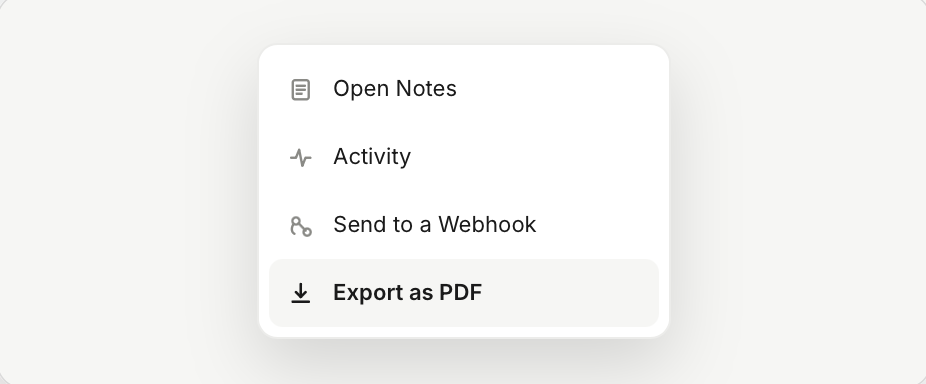
Detail The ⋮ menu items. Export as PDF sits at the bottom.
The same menu also lets you Send to a Webhook (push the file to your CRM or another system), open Notes, or view the Activity log for the application.